Interactive lighting, look-development & spectral rendering for Mac.
Sundari is a standalone spectral path tracer built for 3D artists, lighting artists, and look-dev on Apple Silicon. Drop in an OpenUSD stage or MaterialX document, link live from Blender, craft OpenPBR materials, and produce final path-traced renders with physical camera optics and studio lighting.
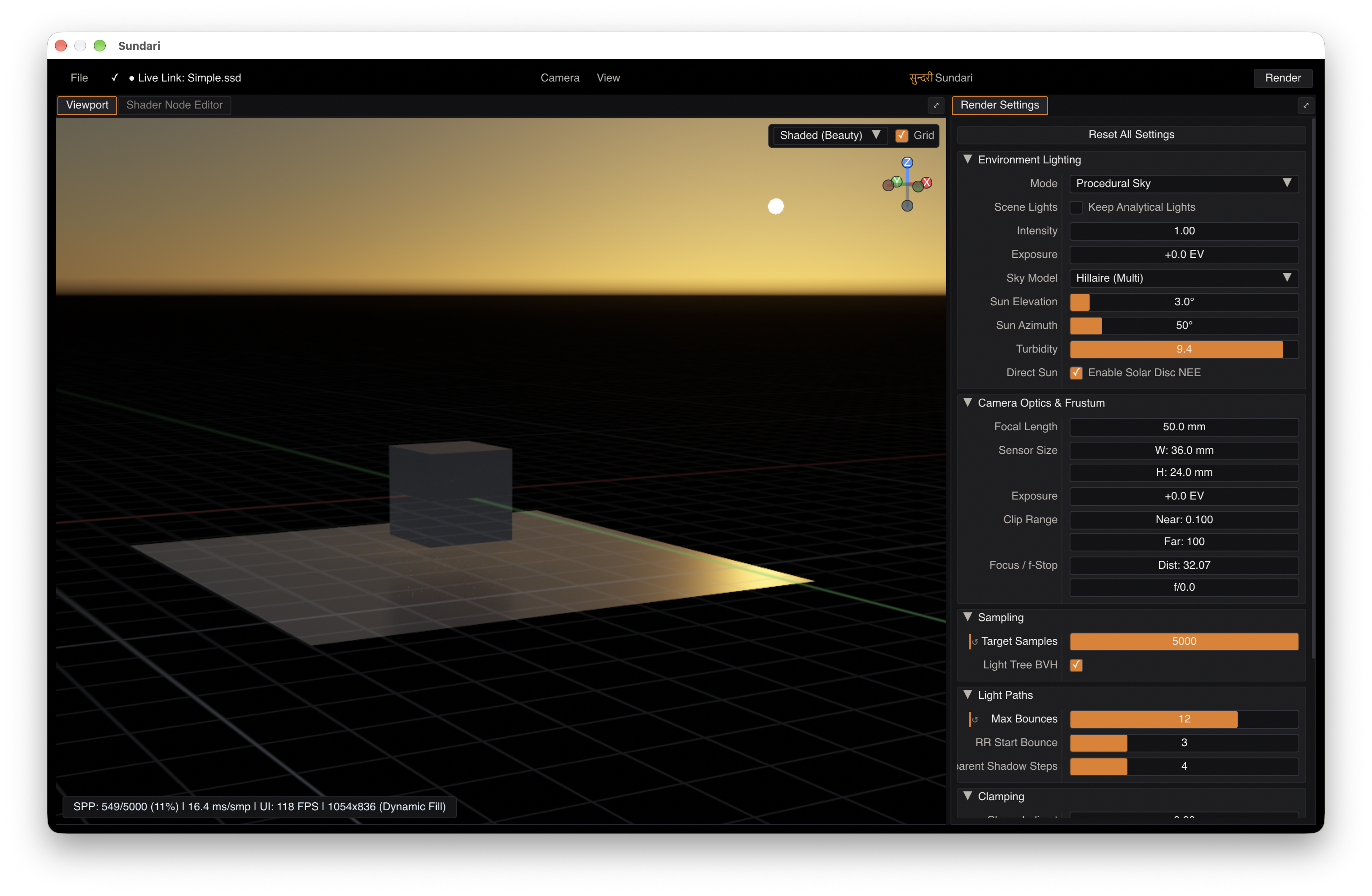
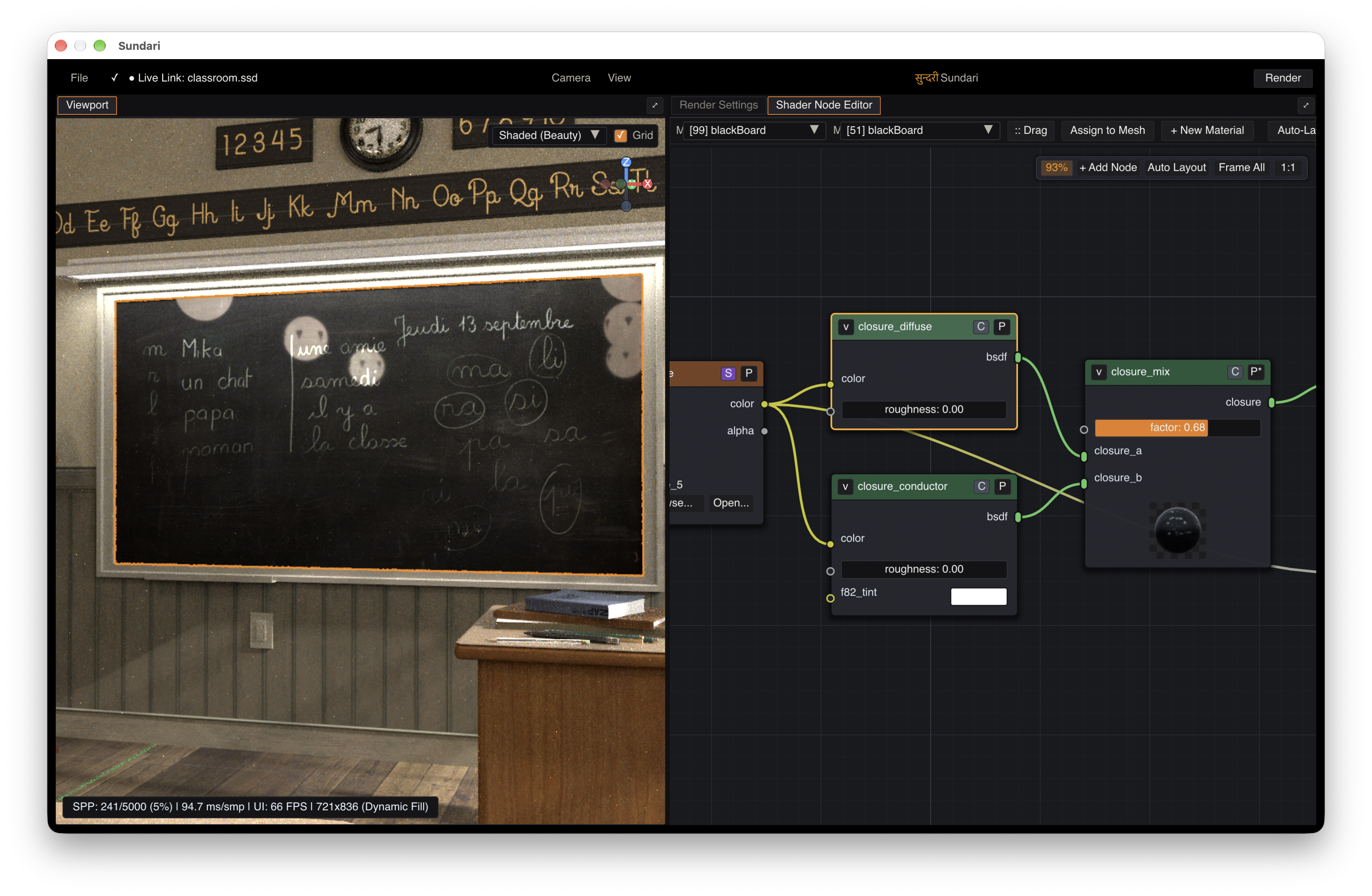
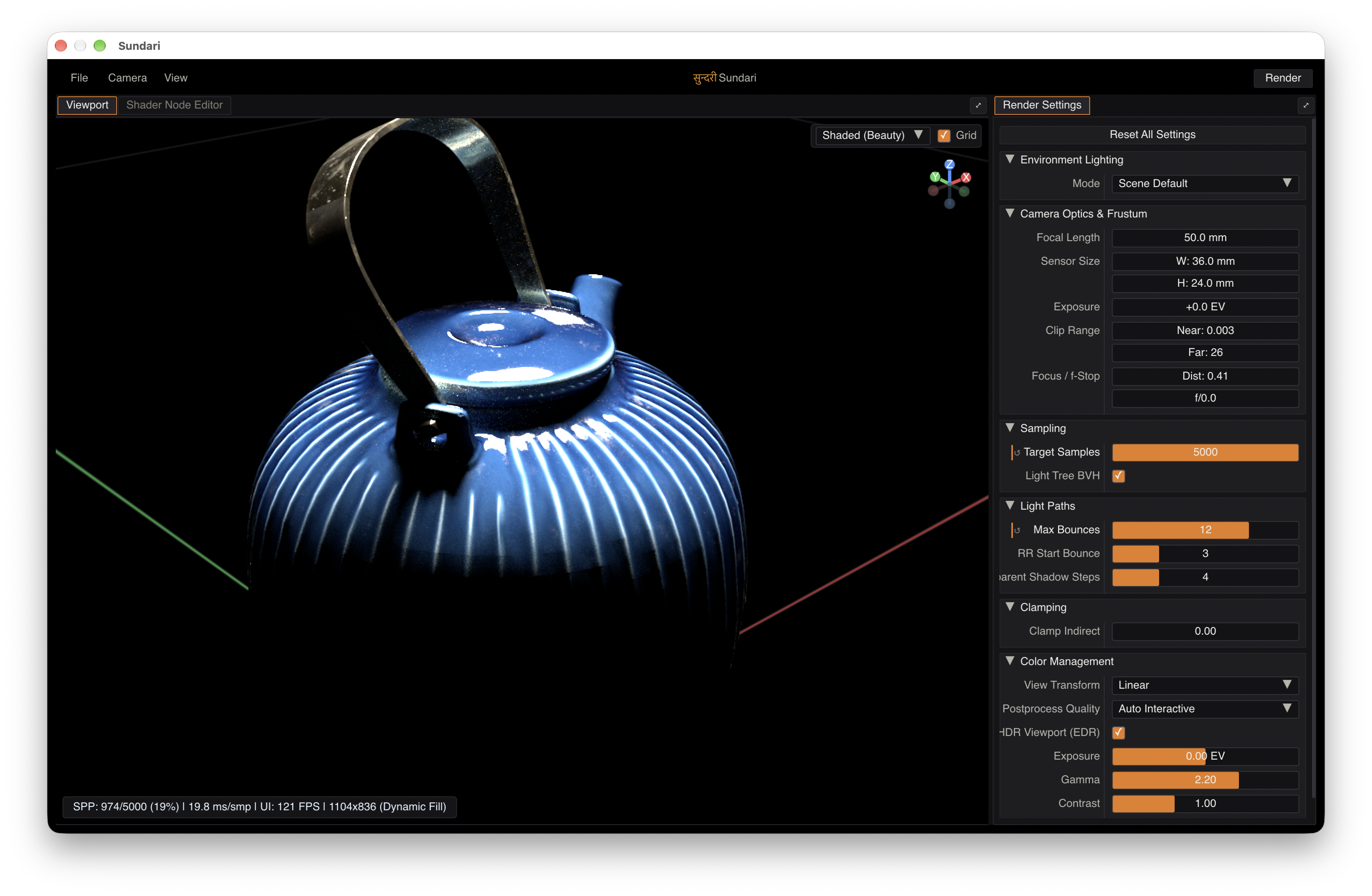
What You Can Do in Sundari
Spectral Path Tracing
Render physically accurate light transport where colors, glass refraction, prism dispersion, and thin-film interference behave like real-world light wavelengths—complete with Kelvin blackbody and wavelength color pickers.
Native OpenUSD & MaterialX
Open .usd, .usda, .usdc, .usdz, and .mtlx
files directly. Inspect full stages, test MaterialX node graphs, and render complex assets without waiting on a heavy 3D suite to load.
OpenPBR Surface Shading
Dial in car paint, clear coats, frosted glass, thin-film iridescence, and fabric sheen from one unified OpenPBR surface node that stays consistent across modern studio tools.
Sundari Scene Descriptor & Live-Link
Export scenes into .ssd—Sundari's own scene package format engineered for instant loading and real-time camera, light, and transform Live-Link updates from Blender.
Visual Shader Node Editor
Build and tweak material graphs with textures, color ramps, RGB curves, and procedural noises. Preview individual nodes in 2D right on the canvas while the path tracer updates live.
Studio Lighting, HDR & EXR
Light scenes with analytic lights, rotatable HDRI domes, or a physical sun-and-sky rig. View true HDR highlights on MacBook Pro XDR displays and export 8-bit PNG or 32-bit OpenEXR.
Built for Real-World Look-Dev & Lighting Workflows
Drag any OpenUSD stage, MaterialX document, or Sundari Scene Descriptor (.ssd) package straight from Finder onto the window.
You can also drop image files (.png, .jpg, .exr, .hdr) directly onto the node editor to create texture nodes on the spot.
Materials authored with MaterialX standard nodes, OpenPBR Surface, or exported from Blender's Principled BSDF translate cleanly into Sundari's node editor so you can refine them without rebuilding shaders from scratch.
Click any object in the viewport (or Shift
+ Click to pick a specific submesh) to inspect its material immediately.
If your asset uses UDIM tiles (_1001, _1002, etc.), editing shader sliders on one tile keeps all sibling tiles in sync automatically.
Switch the viewport pass dropdown to World Normal, Geometry Normal, Linear Depth, Base Color, Roughness, or Lobe Weights to spot flipped normals or UV seams, and choose from four studio dark themes under View → Themes.
Supported Formats & Requirements
| Category | Details |
|---|---|
| Operating System | macOS Tahoe 26 or later |
| Graphics Engine | Metal 4 (Apple Silicon hardware ray tracing & modern pipeline support) |
| Hardware | Mac with Apple Silicon (M1, M2, M3, M4 series or later) |
| Scene & Look Formats (Import) | OpenUSD (.usd, .usda, .usdc, .usdz), MaterialX (.mtlx), Sundari Scene Descriptor (.ssd) |
| Shading Standards | OpenPBR Surface, MaterialX Standard Nodes, Blender Principled BSDF / glTF PBR conversion |
| Texture Formats (Import) | .png, .jpg
/ .jpeg, .exr, .hdr, .tif
/ .tiff, .tga, .bmp |
| Render Output (Export) | 8-bit PNG (tonemapped) and 32-bit float OpenEXR (linear HDR) |
| Blender Integration | Blender 4.2 and newer via included add-on (sundari_blender_addon_v0.1.zip) |
Sundari v0.1.0 is an early Proof of Concept focused on interactive static-frame look-development, lighting, OpenPBR materials, and spectral light transport on Apple Silicon. For the complete breakdown of current feature scope (including unsupported features like SSS, hair/fur, and volumetrics), links to recommended benchmark stages (MaterialX Teapot, NVIDIA Industrial Pack, Blender Classroom), and bug reporting or direct contact, visit the Documentation & Reference Guide.